AI Perler Beads Patterns Maker: Image to Operational Pixel Beads Patterns
Upload an image and let AI extract the subject, stylize it, and generate operational bead patterns for Perler beads with clear color blocks, palette codes (Perler/Hama/Artkal), and an automatic bead counts list. If you search for "beads patterns", this is the same idea—just clearer and operational.
Try it on this page
Generate bead patterns instantly
Upload an image to create labeled bead patterns (palette codes + bead counts). If you search for "beads patterns", this is the same idea—just clearer and operational.
How it works
A simple 4-step workflow
This AI-powered perler beads patterns generator turns a real image into a labeled grid chart you can actually build.
Subject extraction
Focus on the main subject and clean up the background.
Stylize & simplify
Reduce noisy gradients and keep strong outlines.
Pixelate
Downsample to your chosen board size.
Generate the bead chart
Map pixels to Perler/Hama/Artkal colors and label every cell.
From image to bead patterns in minutes
An AI-powered bead patterns maker for perler beads
Our AI handles the hard work in four steps: subject extraction → stylize → pixelate → bead chart. Pick a palette, choose the board size, then download operational PNG/PDF patterns.
Fuse beads pattern examples
Browse a quick preview of the first 12 patterns from our gallery. Open any card to view details, then explore the full collection when you're ready.
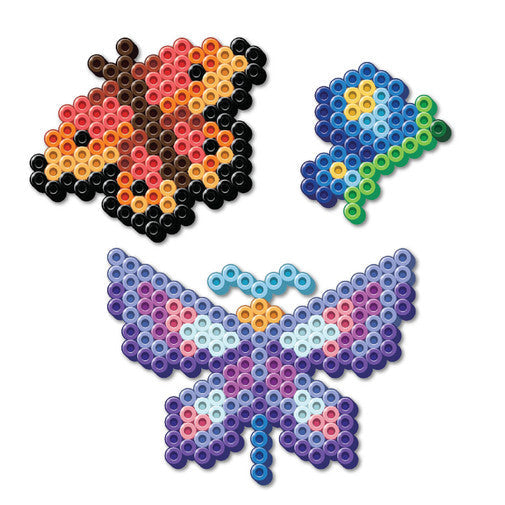
3 Butterflies
A bright butterfly trio that works well as a seasonal wall piece or a cheerful beginner-friendly display.
View details
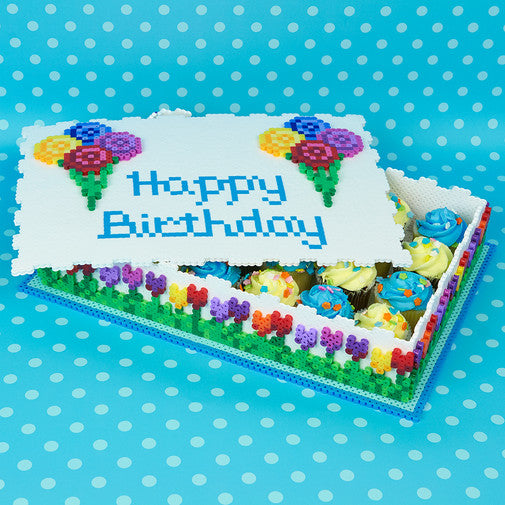
3D Cake
A playful 3D cake project that is well suited for birthday decorations and party-themed collections.
View details
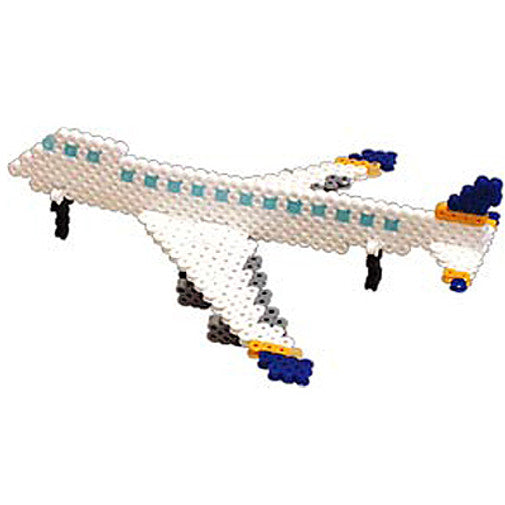
747 Airplane
A classic airplane-themed design with a clean silhouette for travel, aviation, or vehicle collections.
View details

Alien Keychain
A compact alien keychain project that fits nicely into mini-project and arcade-inspired pattern sets.
View details
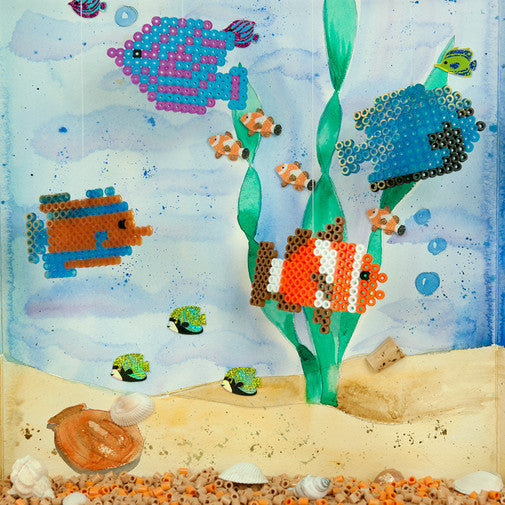
Aquarium Fish
A colorful fish design that feels right at home in ocean-themed and kids-friendly pattern galleries.
View details
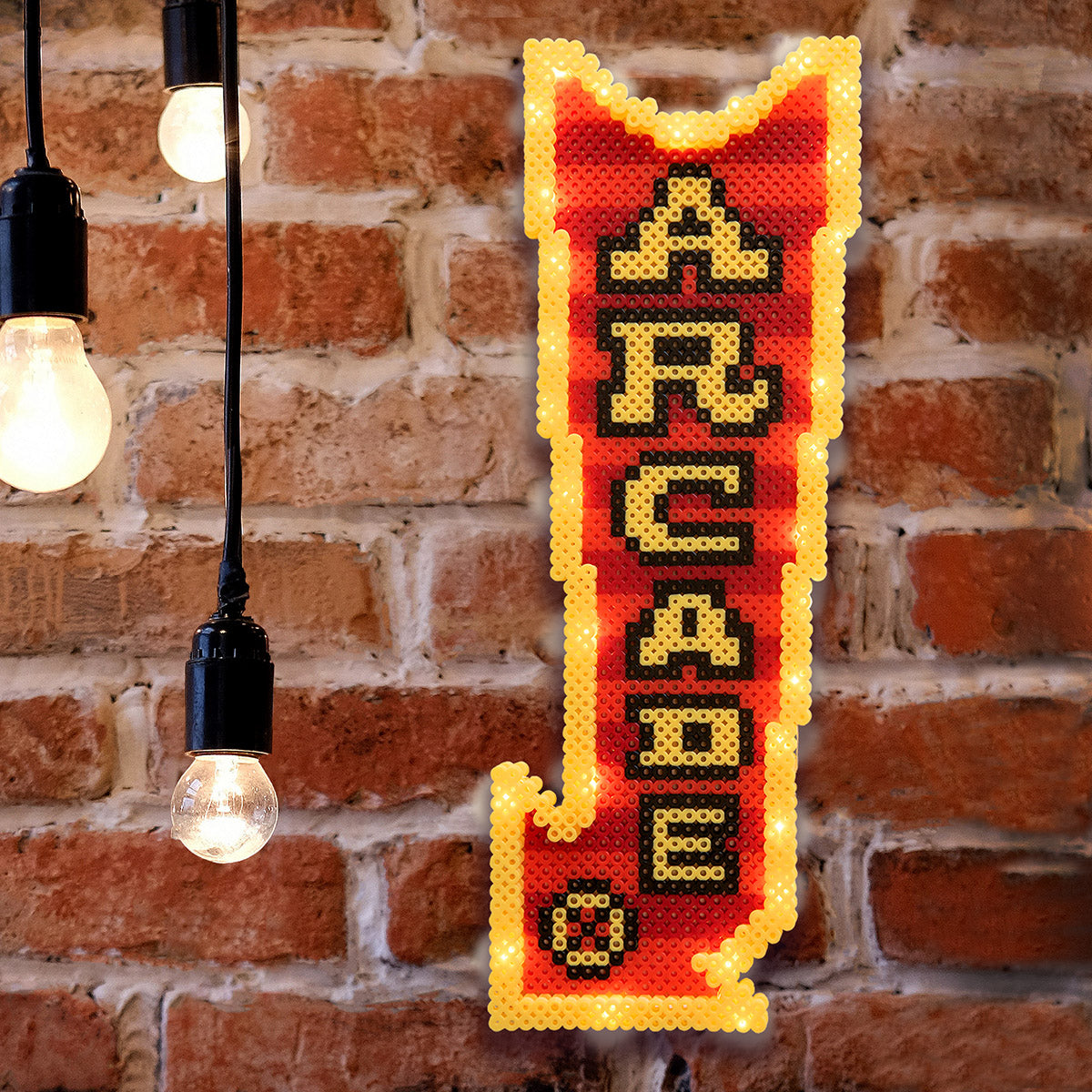
Arcade Sign
A bold sign-style project that brings retro arcade energy into the gallery and detail pages.
View details
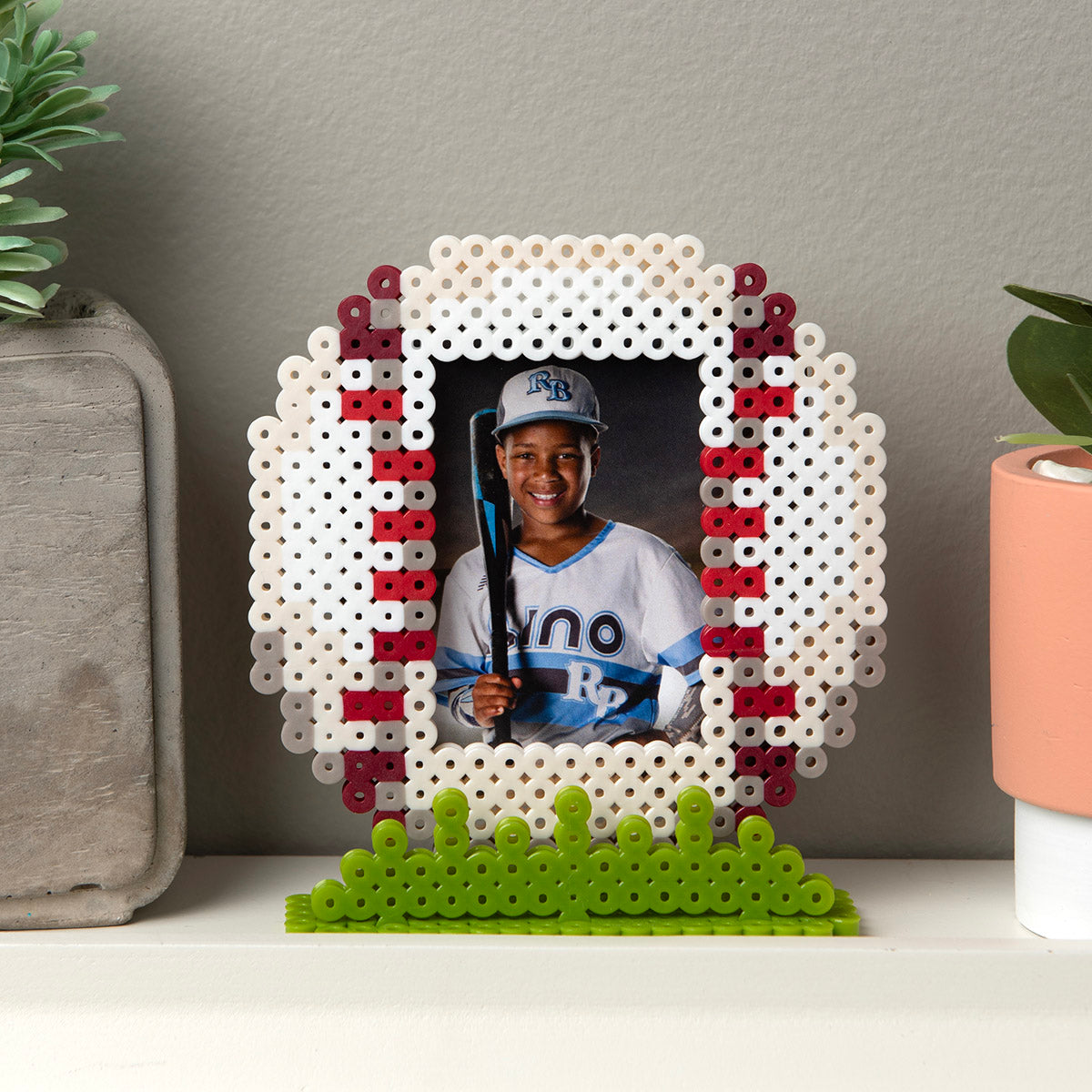
Baseball Frame
A sports-themed frame project that works well for gifts, team keepsakes, and display-focused craft ideas.
View details
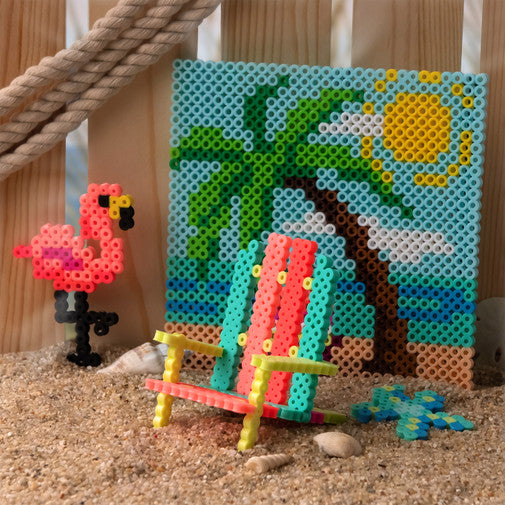
Beach Vibes
A relaxed summer design that helps round out the gallery with brighter seasonal and decor-oriented pieces.
View details
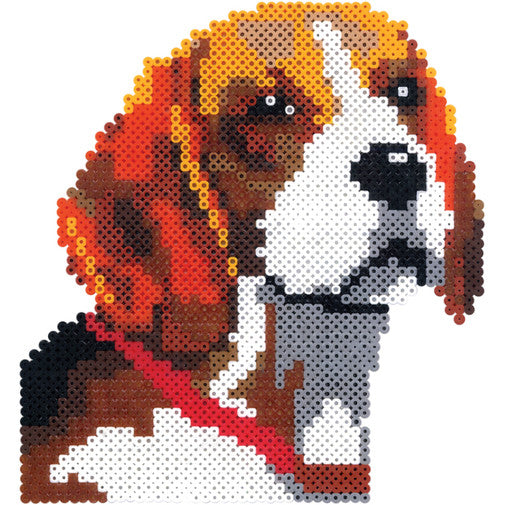
Beagle
A dog-themed pattern that adds a familiar pet subject to the featured gallery selection.
View details
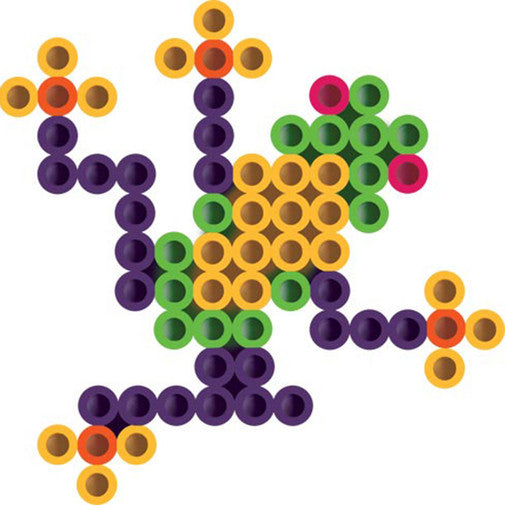
Biggie Beads Frog
A simple Biggie Beads frog that is easy to understand at a glance and useful for family-friendly browsing.
View details
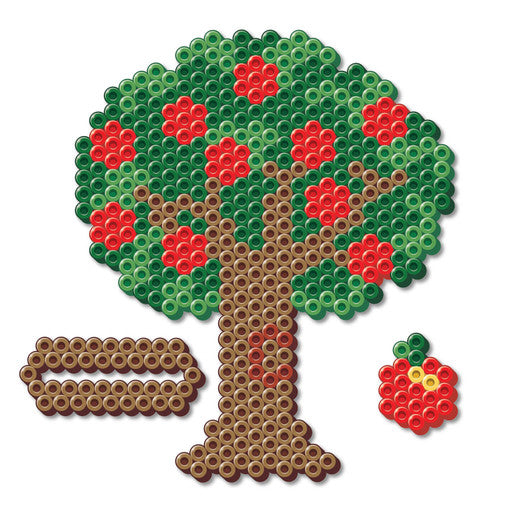
Apple Tree
A nature-inspired tree project that fits school, seasonal, and educational craft themes.
View details
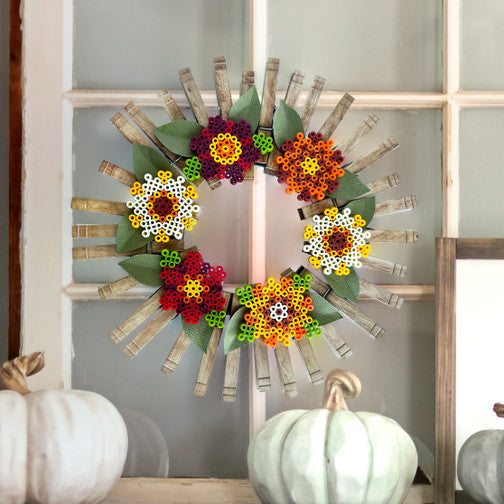
Autumn Wreath
A decorative wreath pattern that helps represent holiday and home-decor projects in the featured set.
View details
Pricing
Choose a monthly credit plan or top up anytime with credit packs.
FAQ: perler beads patterns generator
Quick answers about palettes, sizes, and downloads
What is a perler beads patterns generator?
A perler beads patterns generator (also called a perler beads patterns maker or pixel beads converter) turns an uploaded image into a bead-by-bead chart you can follow on a pegboard.
This site generates:
- A labeled grid (each cell shows a palette code like
P01,H02,A11) - An operational PNG preview
- An operational PDF version
- A color statistics list (how many beads per color)
Which palettes are supported (Perler / Hama / Artkal)?
Right now the generator supports Perler, Hama, and Artkal palettes. More palettes can be added later.
What board size should I choose?
Board size is simply the grid resolution (columns × rows). Larger grids keep more detail, but take longer to build.
Common use cases:
- Small / easy bead patterns for perler beads: 29×29 to 58×58
- More detail: 80×80+
You can freely set any integer size.
Can I download operational patterns (PNG/PDF)?
Yes. After generation you can download:
- PNG pattern chart (great for preview or sharing)
- PDF pattern chart (great for printing)
What can I make with these patterns?
People use bead patterns for perler beads for:
- perler beads designs (characters, logos, portraits)
- perler beads patterns / perler bead patterns easy / small / cute
- perler beads patterns christmas / pokemon / star wars
- "beads patterns" (common search keyword)
How do I iron perler beads?
General approach:
- Place ironing paper on top of the finished beads
- Use a medium heat iron and move in small circles
- Let it cool before removing from the board
(Exact steps depend on your brand and bead type.)
Ready to make your own perler beads patterns?
Upload an image, let AI process it, pick Perler/Hama/Artkal colors, and download an operational bead chart (PNG/PDF).